01 / YOUR WORDS
A good reply.
Ready to go.
LESS TYPINGMORE FLOW
That perfect reply. That useful link. That spark of an idea.
Save it once. Find it fast. Paste it whenever.
01A FAMILIAR LITTLE PROBLEM
A normal clipboard holds your latest copy. Copy something else, and the previous thing gets replaced.
Snipora gives your copies a place to stay. A searchable library of replies, links, images, and ideas. Ready when you are.
A better flow, on every deviceThanks for reaching out! I’ll send the proposal by Friday.
Make something worth keeping.
https://example.com/my-project
An interactive illustration. Try switching between both.
LESS LOST. MORE FLOW.
02ONE IDEA. THREE DEVICES.
The same little superpower. Thoughtfully built for each platform.
YOUR DESKTOP, IN FLOW
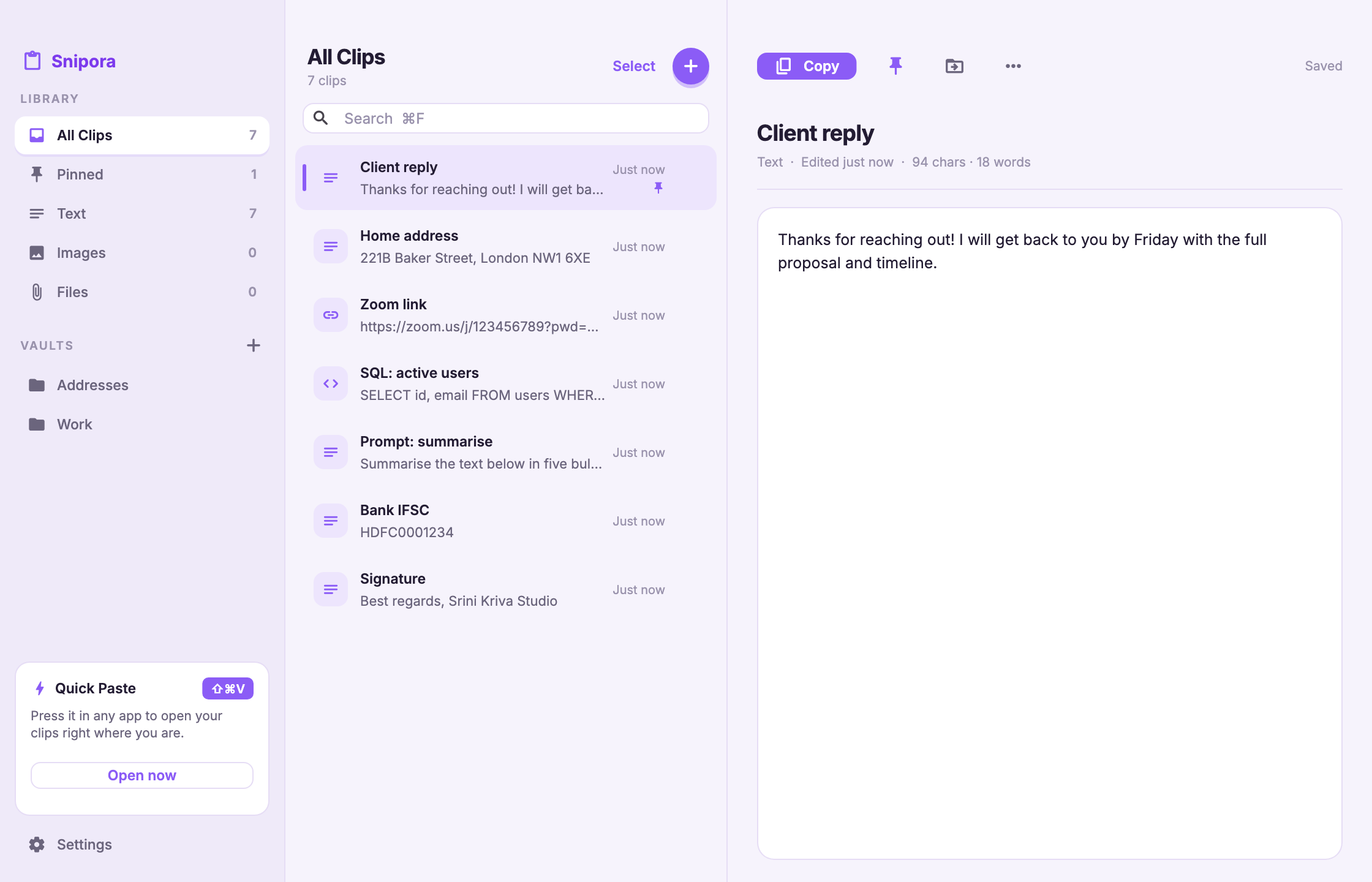
Your Mac remembers your latest copy. Snipora remembers the ones before it, too. Turn everyday copying into a useful, searchable history.
Try 4 clips, 2 pins, and 2 vaults free. Pro removes these limits.
Setup & helpA CLIPBOARD WORTH KEEPING
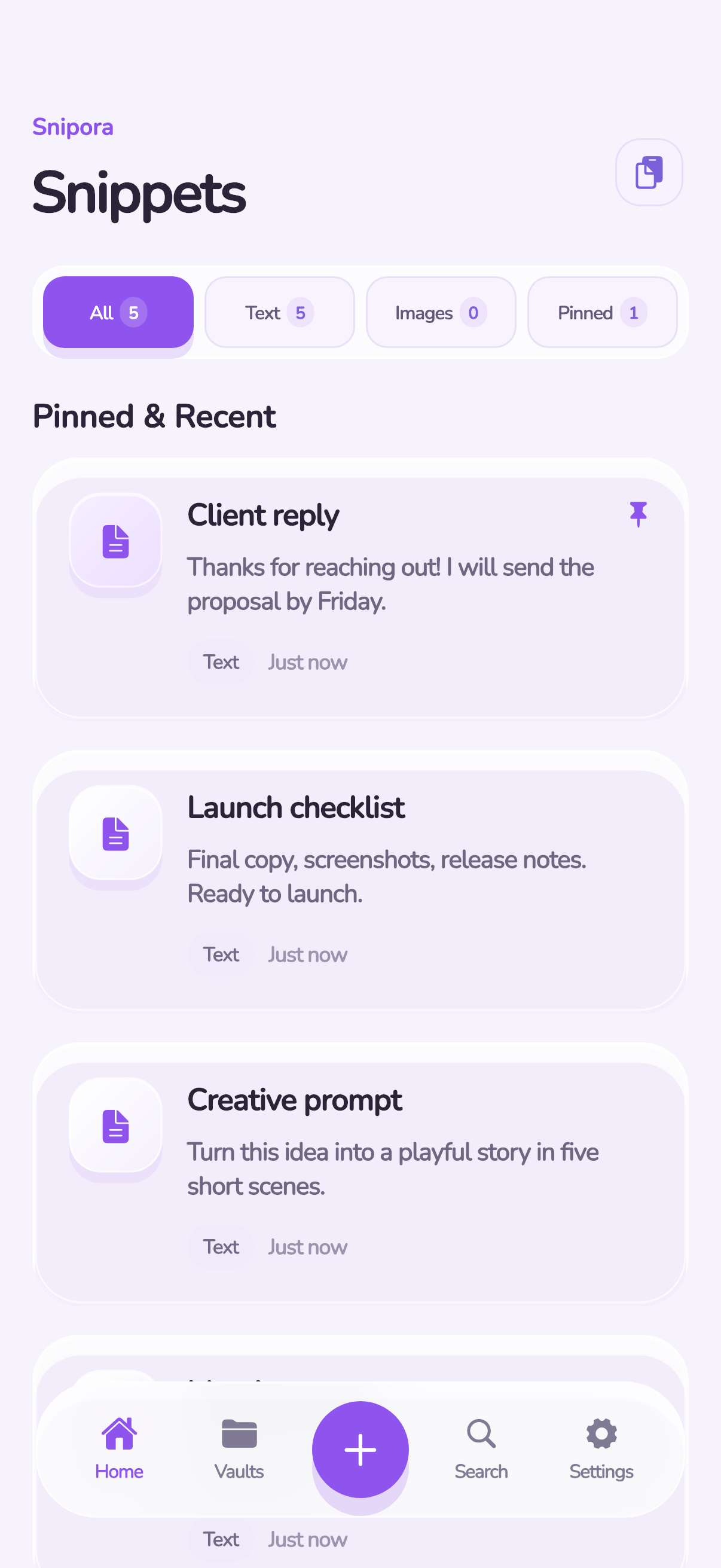
iPhone doesn’t give you a browsable clipboard history. Save the bits you need in Snipora, then bring them into your conversations with the Snipora keyboard.
iOS limits background clipboard access. Save clips yourself; Snipora does not watch every app in the background.
Setup & help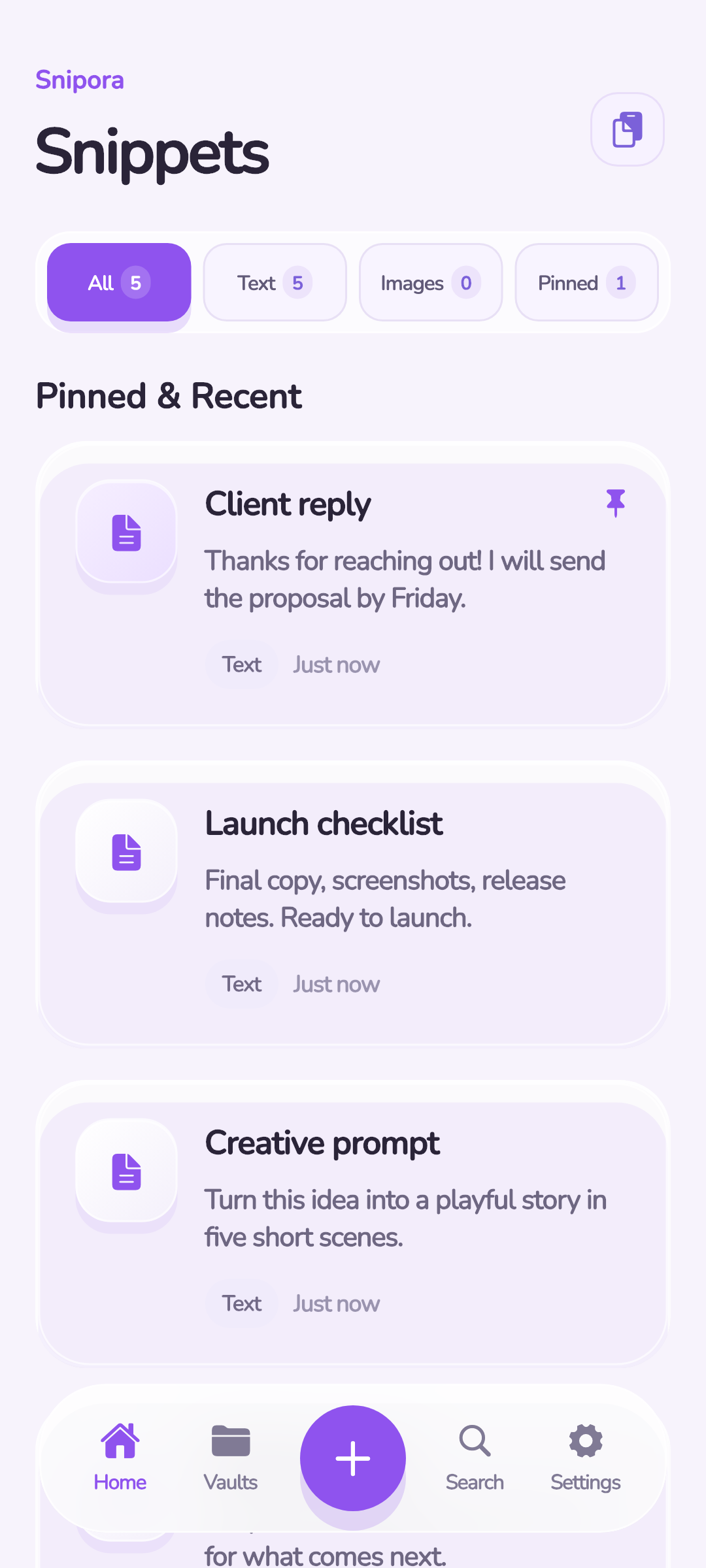
MORE ROOM FOR YOUR EVERYDAY
Take your favorite replies, links, and snippets beyond a temporary keyboard clipboard. Build a library that’s yours to organize and reuse.
All current Android features are free. Mobile apps include ads. Clipboard capture follows Android’s access rules.
Setup & help03SMALL TOOL. BIG ENERGY.
Not another place to lose things.
A little space to get them together.
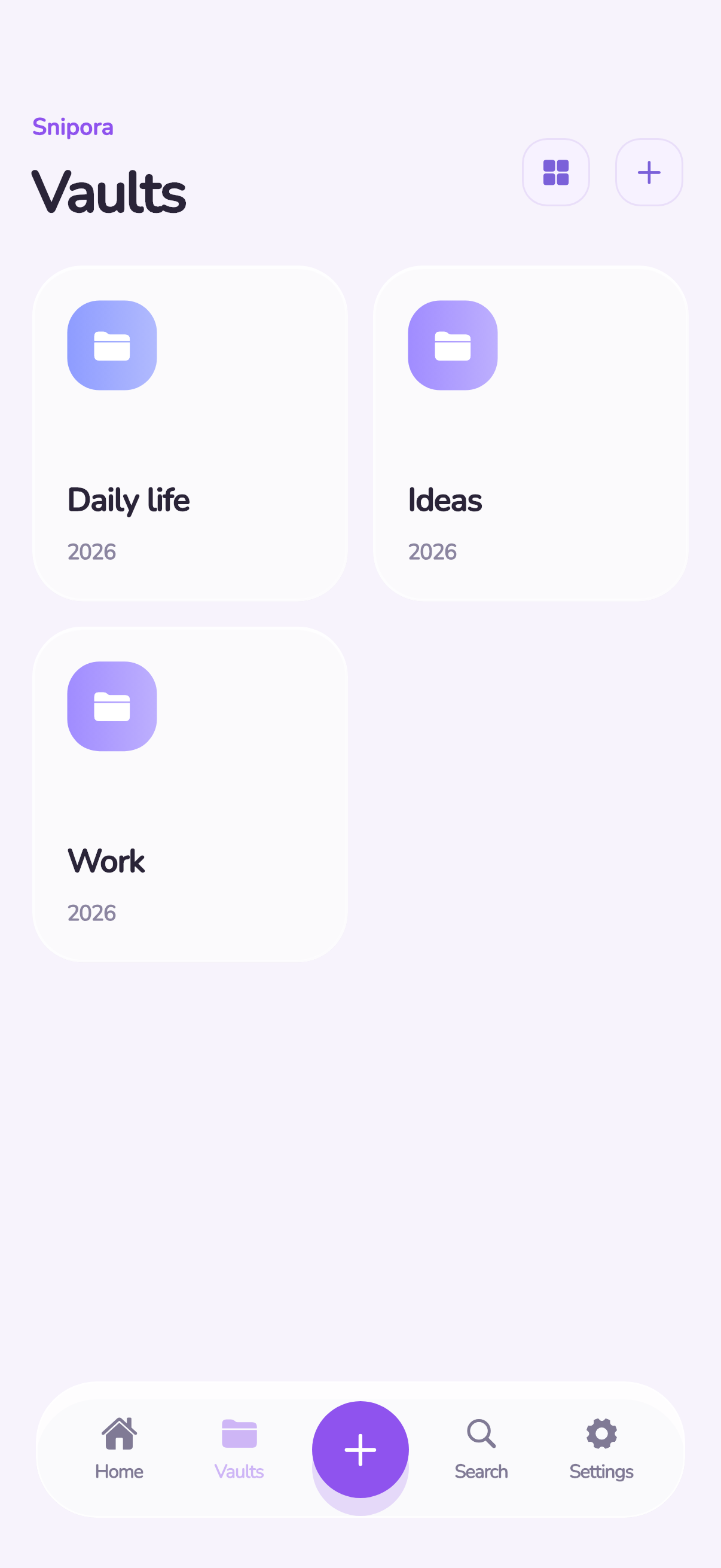
Work replies. Creative prompts. Useful links. Give every collection a home with vaults and pins.
Search your saved library. Get back to the thought, link, or reply you were looking for.
Bring saved text into other apps with the mobile keyboard. On Mac, summon Quick Paste with a shortcut.
Text, links, images, and files.
Your useful bits, all together.
Capture and insertion options vary by platform and content type.
THE LITTLE THINGS. READY AGAIN.
The reply you send every week. The link you keep losing. The idea worth coming back to. Give them a home in Snipora.
Your useful bits. A little more within reach.
Find your flow04GOOD FLOW. ZERO FUSS.
A tiny habit that makes your everyday a whole lot easier.
Copy on Mac for automatic history. On mobile, save your clipboard, share to Snipora, or add a snippet.
Name it. Pin it. Put it in a vault. Find what matters without scrolling through a mess.
Choose a saved clip from Quick Paste or your mobile keyboard. Get on with your day.
Pick a sample snippet and copy it.
That’s the feeling.
Thanks for reaching out! I’ll send the proposal by Friday.
05YOUR STUFF STAYS YOUR STUFF
Clipboard content can be personal. Your saved content lives in an encrypted local vault, with optional biometric protection. No Snipora account needed.
Cloud backup and sync are optional, where supported. Mobile apps use Google AdMob; see the policy for ad data and privacy choices.
06LITTLE PRICE. LOTS OF POSSIBILITY.
Free on mobile. A little extra power on your Mac.
A little superpower in your pocket.
Includes mobile ads.
One payment. Every feature. Yours for life.
Free plan: 4 clips, 2 pins, 2 vaults. No subscription. No ads on Mac.
More room. More possibilities.
Includes mobile ads.
Unlimited means no in-app clip cap; available device storage still applies. Mac price shown in USD; the App Store checkout shows the final local price and purchase terms.
Snipora keeps the things you want to copy again: text, links, images, and files. Save them in a local library, organize them into vaults, pin favorites, and find them with search. Quick Paste on Mac and the mobile keyboard help you reuse saved text.
No. iOS restricts background clipboard access. Save your clipboard while using Snipora, share content to the app where supported, or add a snippet manually. The Snipora keyboard gives you access to your saved text; it is not a background clipboard monitor.
The current iOS and Android apps have no in-app limit on saved clips. Your device’s available storage still determines how much you can keep. Mac’s free plan has 4 clips, 2 pins, and 2 vaults; Mac Pro removes those limits.
You can move content between devices using export and import. iCloud sync is available on iOS and Google Drive backup is optional on supported mobile platforms. Automatic Mac-to-phone sync is not currently available.
There is no Snipora server holding your clipboard history. Clip content is encrypted locally. Optional cloud features use Apple or Google services you choose. Mobile ads use Google AdMob and involve ad-related data, as described in our privacy policy.
Direct paste sends the paste keystroke to the app you were using. macOS requires Accessibility permission for that action. Without it, Snipora can still copy the selected clip; press ⌘V yourself to paste.
 YOUR NEXT PASTE STARTS HERE.
Your clipboard deserves a little upgrade.
Bring Snipora into your everyday.